Always there. Never in the way.
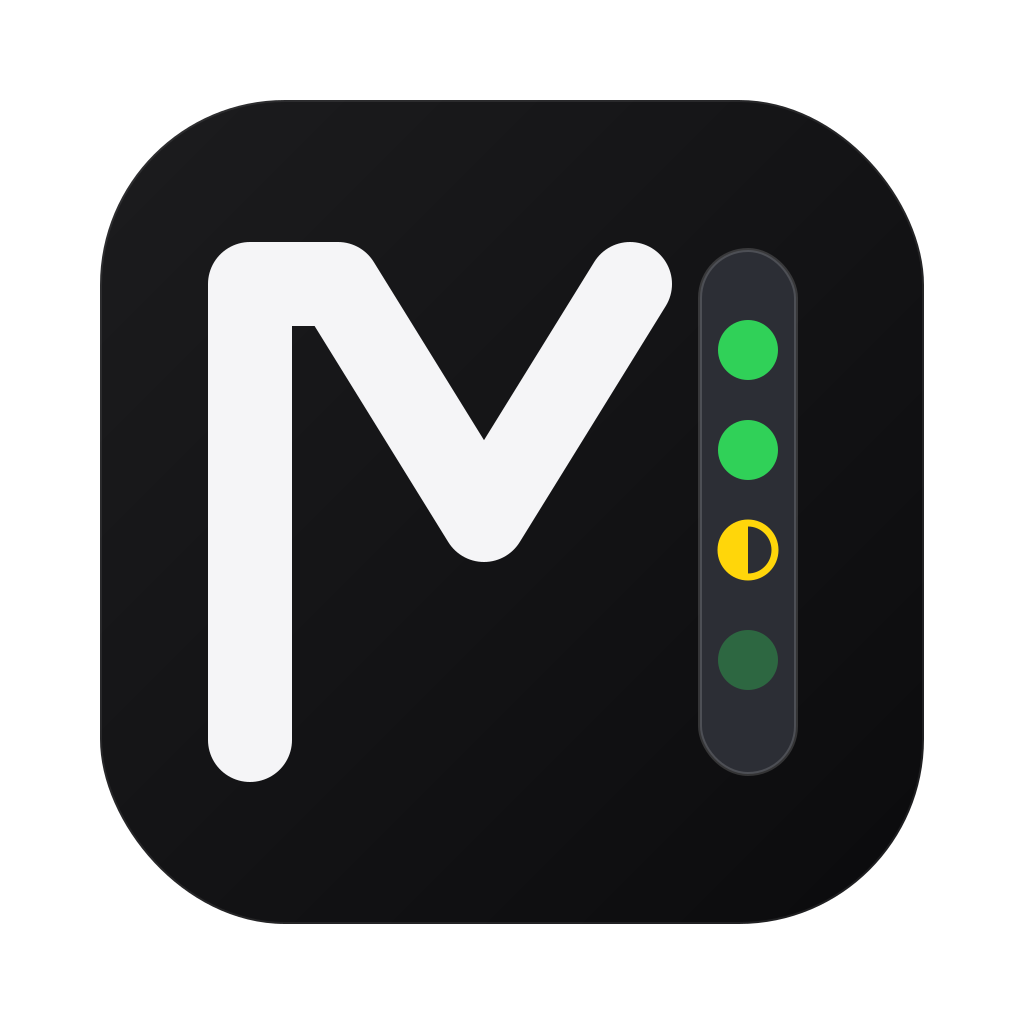
Eight pixels wide. Green for in a tool, half-filled amber for idle, and your unread count underneath. When nobody’s online it fades to a faint hairline, and it never takes focus from your work.
Early beta for Mac
Your friends, at the edge of your screen.
Margin lives in a thin strip on the edge of your screen: a dot for every friend who’s coding right now. Hover, click or press ⌥M and it slides open to show which tool they’re in, the model they’re using and how long they’ve been at it. Move the pointer away and it tucks back in. Or stay on the keyboard: arrow keys move through friends, messages and every setting, and Return opens them.
Eight pixels wide. Green for in a tool, half-filled amber for idle, and your unread count underneath. When nobody’s online it fades to a faint hairline, and it never takes focus from your work.
A new message slides a small tab out beside the strip with who wrote and the first few words, and the strip pulses three times. Prefer just the name, or just the glow? It’s one setting. No sounds, nothing in your terminal.
Click a friend to message them without leaving what you’re doing. Right-click a message to copy it. Every message is end-to-end encrypted.
Instead of points
48.1M
Your all-time total across Claude Code, Codex and OpenCode — input, output and cache writes, read from each tool’s own records on your Mac. Cache reads are left out, so the number means something. Only the total ever leaves your Mac.
Privacy
Friends see the tool, the model, how long you’ve been working and your token total. Never your code, prompts, files, folders or branches. Your profile shows exactly what they see.
A project is named only when GitHub confirms it’s public. Everything else shows as “private project”.
Messages use the Signal protocol. The server only ever holds ciphertext it can’t read, and only until it’s delivered. Compare safety numbers with a friend to be sure nobody’s in between.
Turn off the tool, model, repo, time or tokens. Share activity with close friends only. Hide a repo entirely. Crash reports are sent only if you say so, with paths, names and messages removed.
One switch and you look exactly like you’re offline. Block anyone, and to them it looks as if you’re not on Margin at all.
Find people on Margin by handle or name, or add anyone by their GitHub handle. Nobody’s a friend until you accept, and you can stop being findable at any time.
Themes
Five themes, each with its own fonts, colours and material — and each in light and dark. Pick an accent colour and it follows you through all of them.
Maya Chen
Leo Park
Sam Rivera
Maya Chen
Leo Park
Sam Rivera
Maya Chen
Leo Park
Sam Rivera
maya-chen
leo-park
sam-rivera
Maya Chen
Leo Park
Sam Rivera
Works where you work
Turn a tool on from the drawer and Margin adds a small hook to it, backing up the file first. Turn it off and only Margin’s entry is removed. Margin never prints anything into your sessions. Ollama and LM Studio need nothing installed: Margin notices when a local model is answering and shows its name.
Placement
Drag the strip up or down either edge of your screen, or across to the other side. It shows up on every Space and over full-screen apps, and remembers where you left it. Or keep Margin in the menu bar, beside the notch, where it drops down instead.
Early beta. Updates itself as it improves.
curl -fsSL https://margin-api.fly.dev/install.sh | sh
Paste it into Terminal: it installs Margin in Applications and opens it.
Requires macOS 26 or later on a Mac with Apple silicon.